
Your #1 Phone Cleaner

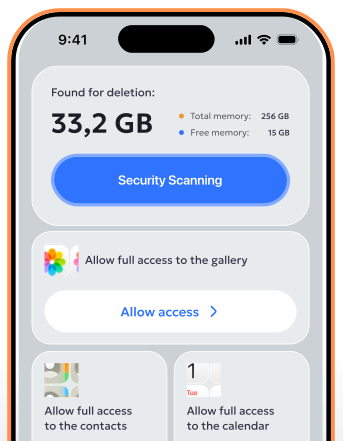
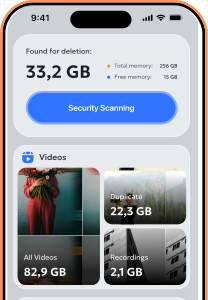
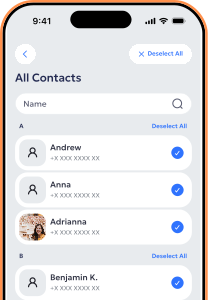
Optimy cleaner app scans your phone for clutter and helps you remove what you no longer need, without the hassle.
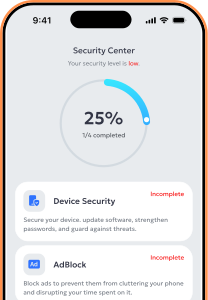


The app enhances your phone’s security by continuously scanning for possible risks, preventing access to harmful websites and applications, and alerting you to unusual behavior. It helps protect your personal information, strengthens overall device safety, and maintains smooth performance without exposing your phone to unnecessary threats.
Yes, the app is completely safe to use. It complies with high security and privacy standards, only accesses data with your consent, and runs quietly in the background without slowing down your device.
It depends on the level of protection you need. The app offers basic features at no cost, while a subscription unlocks advanced tools, enhanced security options, and premium support.
To cancel your subscription, open your account settings in the app and navigate to the Subscriptions or Billing section, then choose Cancel Subscription and follow the on-screen steps. You can also manage or cancel your subscription through the app store you used to sign up (such as the Apple App Store). If you need assistance, please contact customer support.
To request a refund, visit the Support or Help section in the app or on the website and submit a request, including your order or subscription details along with a short explanation. If your purchase was made through the Apple App Store, you may need to apply for a refund directly through your app store account’s purchase history by following the provided instructions. For additional assistance, feel free to contact customer support.